SAMPLE APPROVAL WORKSHEET
Review one sample version.
Record the product, test conditions, observations and changes. Keep the next decision attached to the same sample.
Copy or print your record before leaving. Entries are not saved on reload or sent to A BOX.
CONTINUOUS APPROVAL RECORD
Keep the sample, changes and next decision together.
Complete only the fields that belong to the sample in front of you. The generated note includes only what you enter and select.
Use one record for one sample version and review condition.
Copy or print your note before leaving. Entries are not saved when this page reloads.
Your note will include only the fields you complete.
Need help recording a sample change?
- Identify the sample. Use a reference or date so your photos and notes point to the same version.
- Describe the conditions. Note how the real product was filled, closed, handled or packed in a carton.
- Separate what you saw from what should change. Add the repeat check and next decision. Copy your note when it is ready to share.
Agree the next check.
Copy or print your note, then share it with the people reviewing the sample through your agreed contact method. Nothing on this worksheet has been sent to A BOX. Confirm who will check the revised sample, under which conditions, and which decision follows.
Examples for this guide
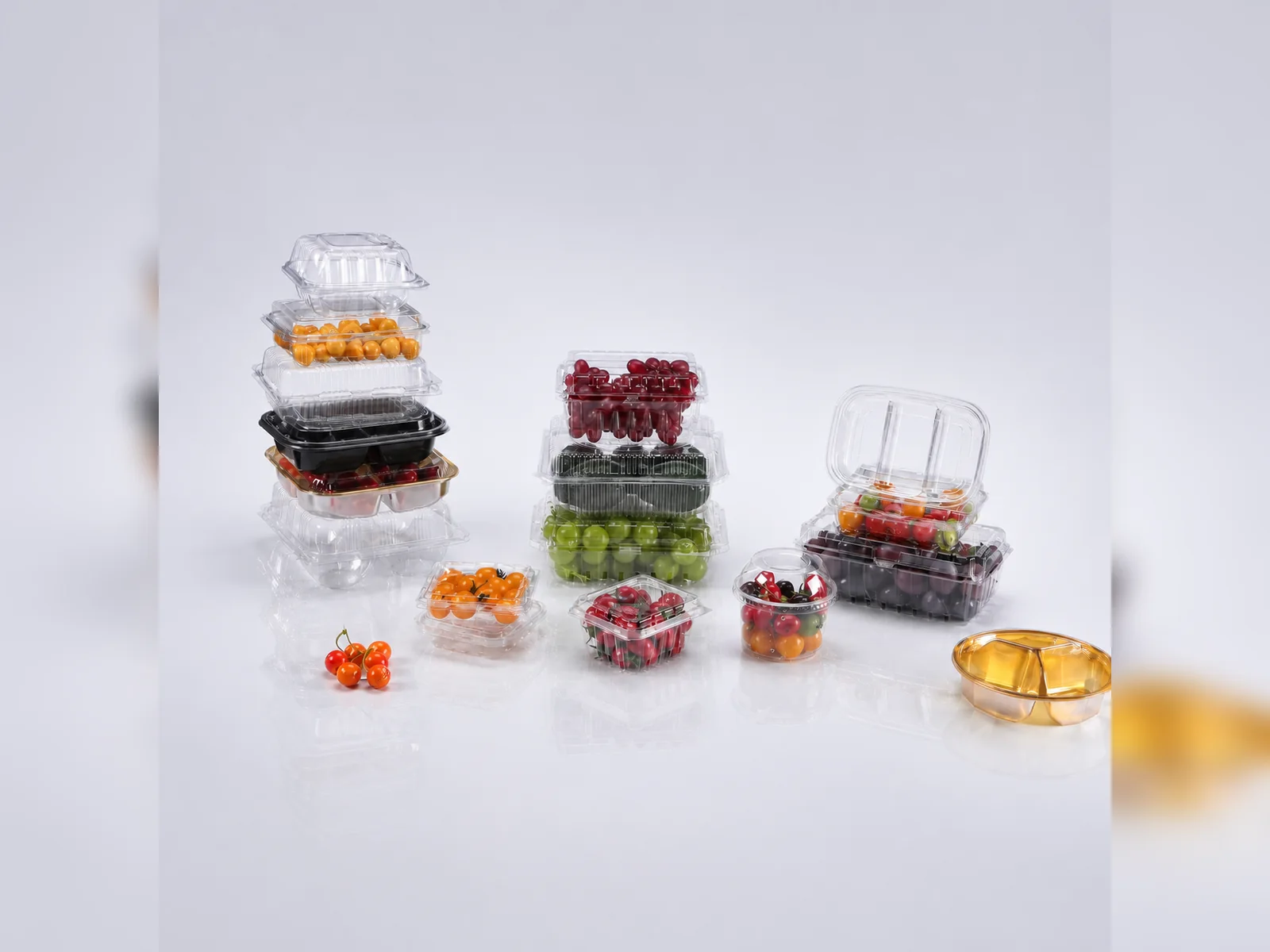
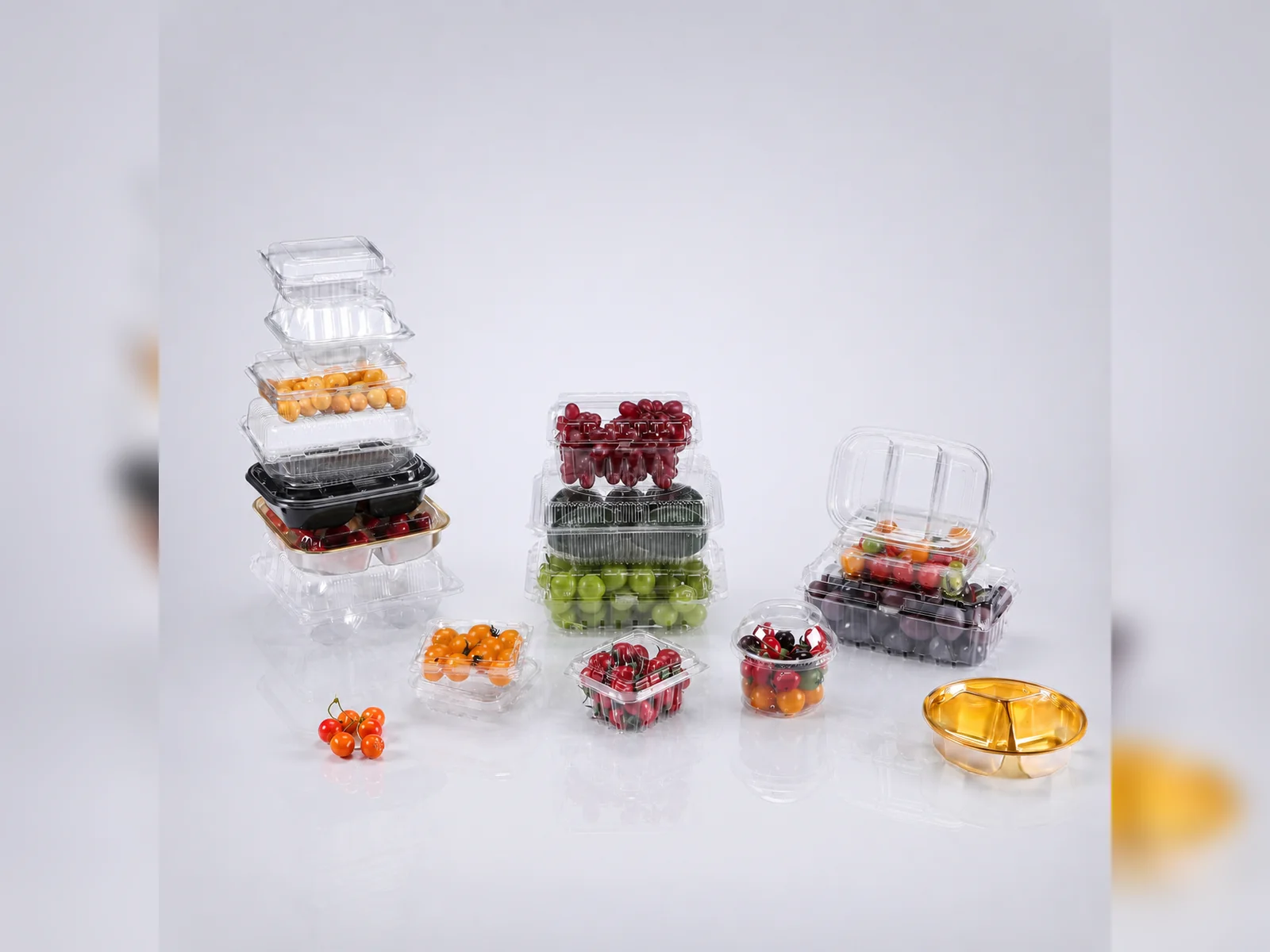
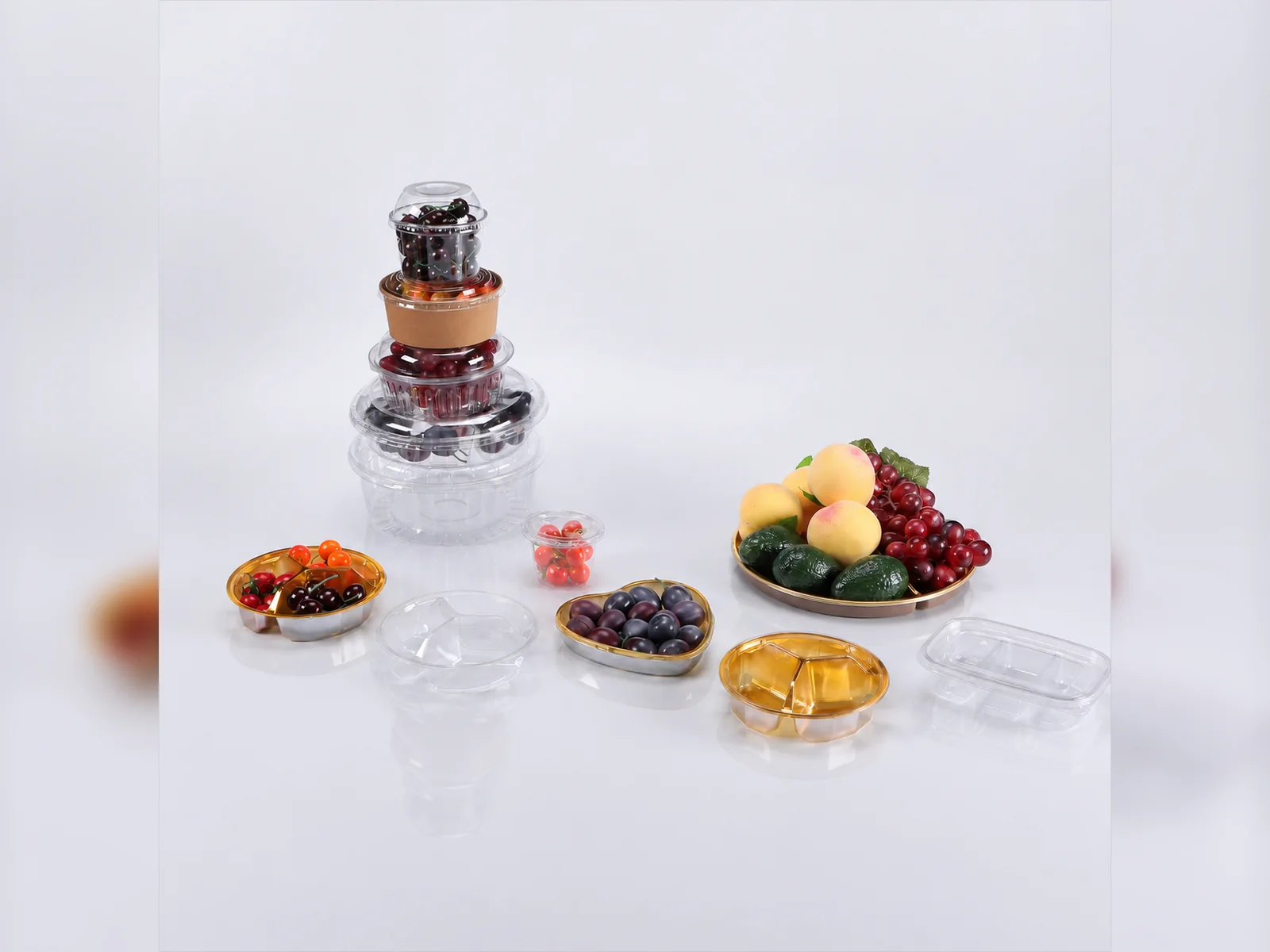
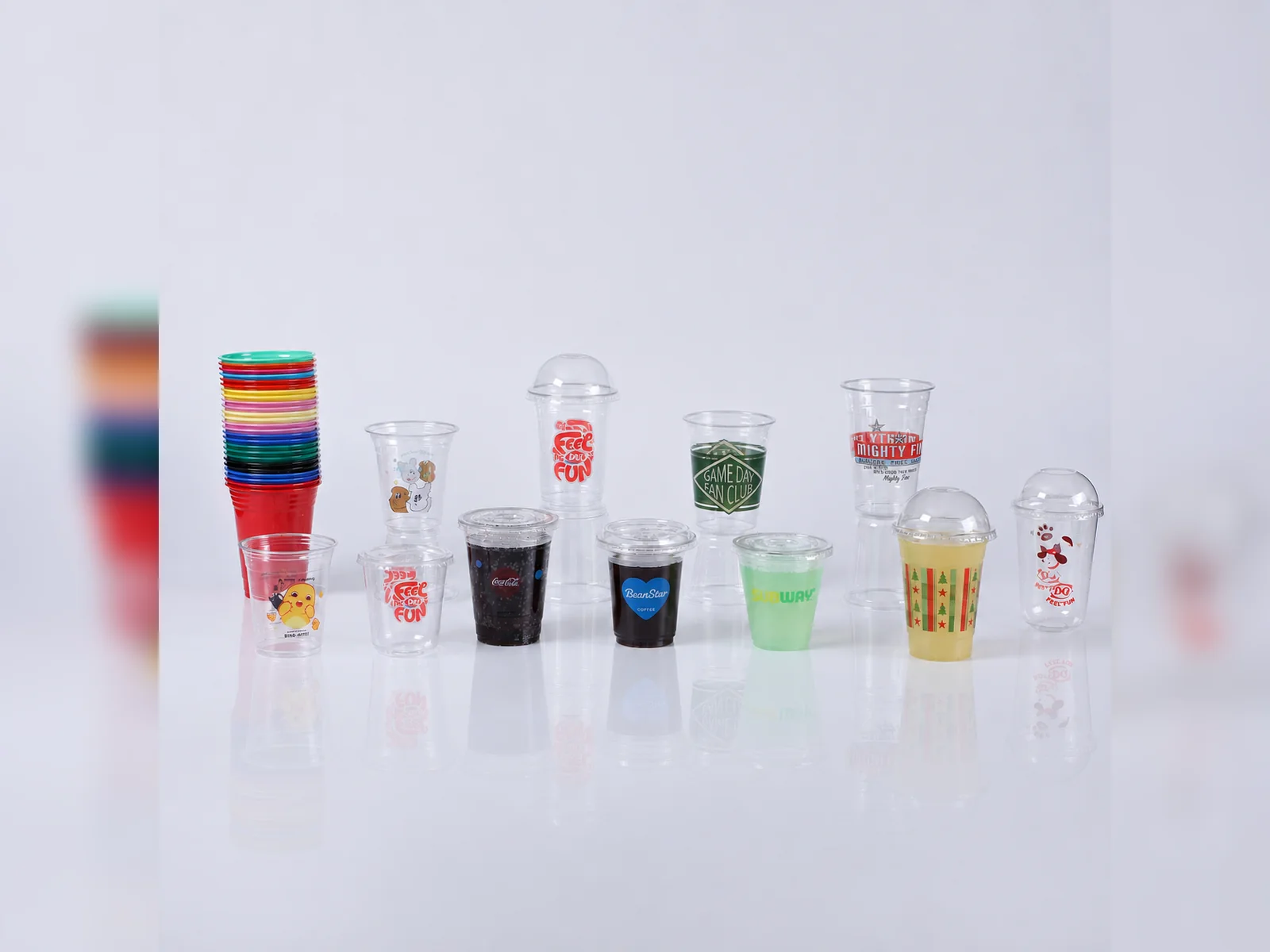
Development examples
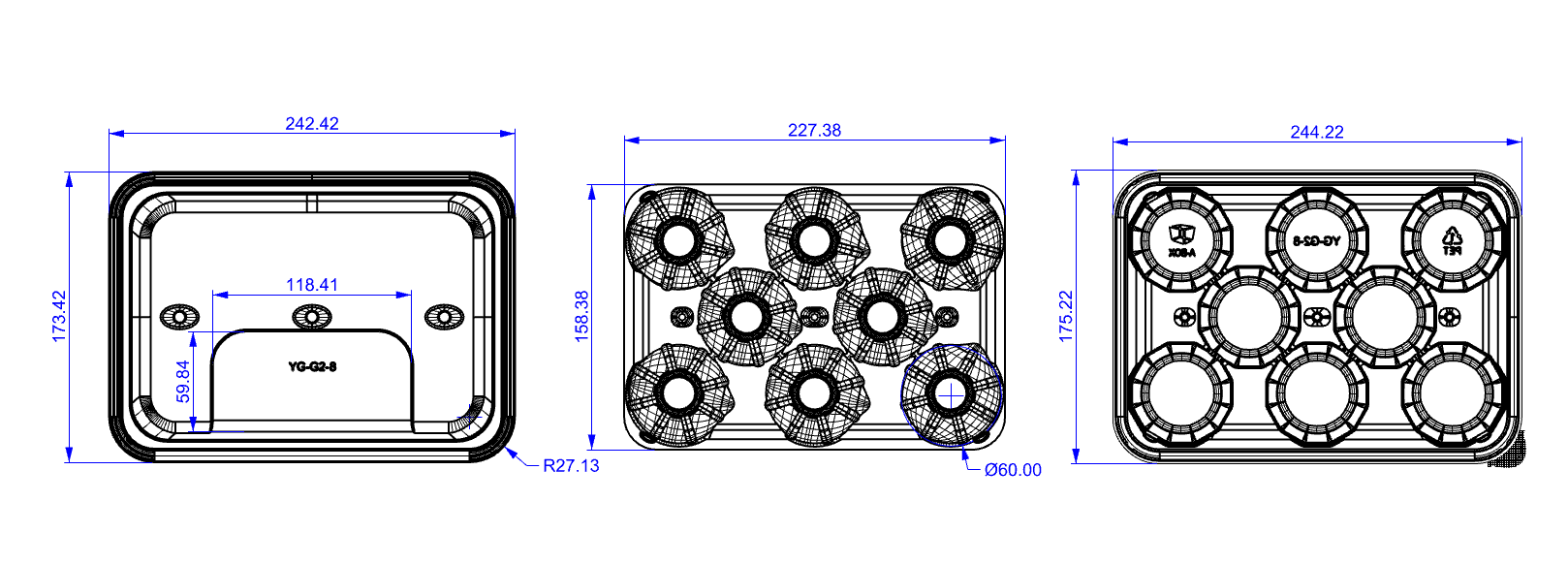
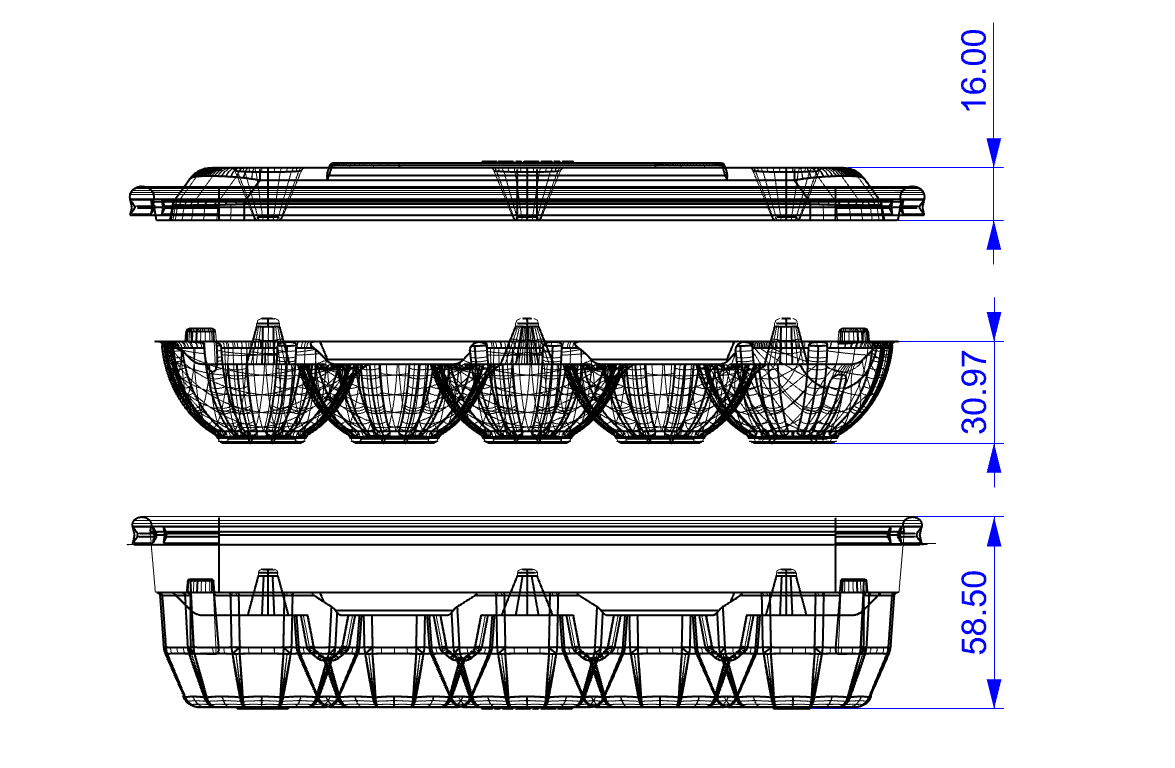
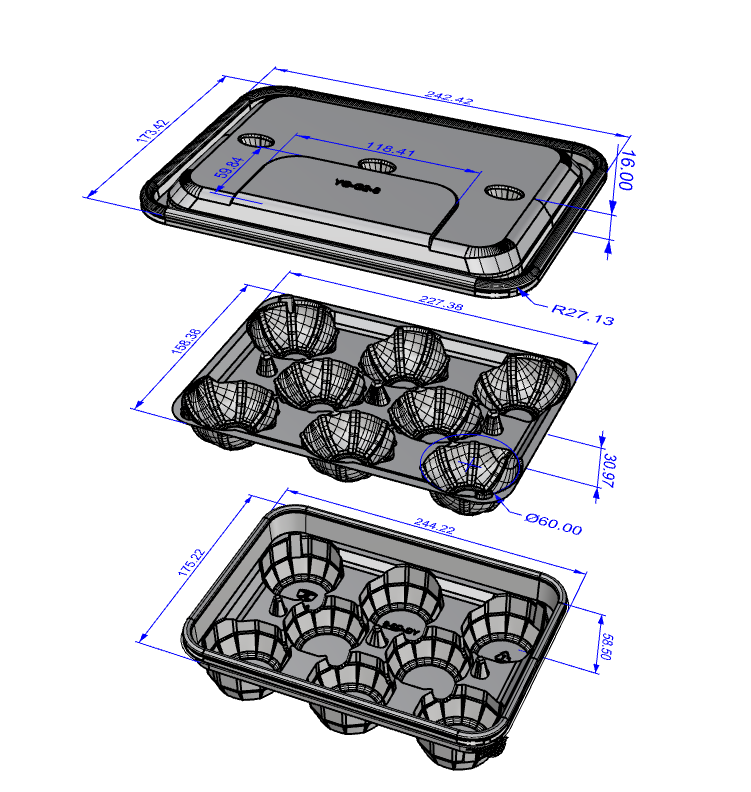
Approved release
Sample versions
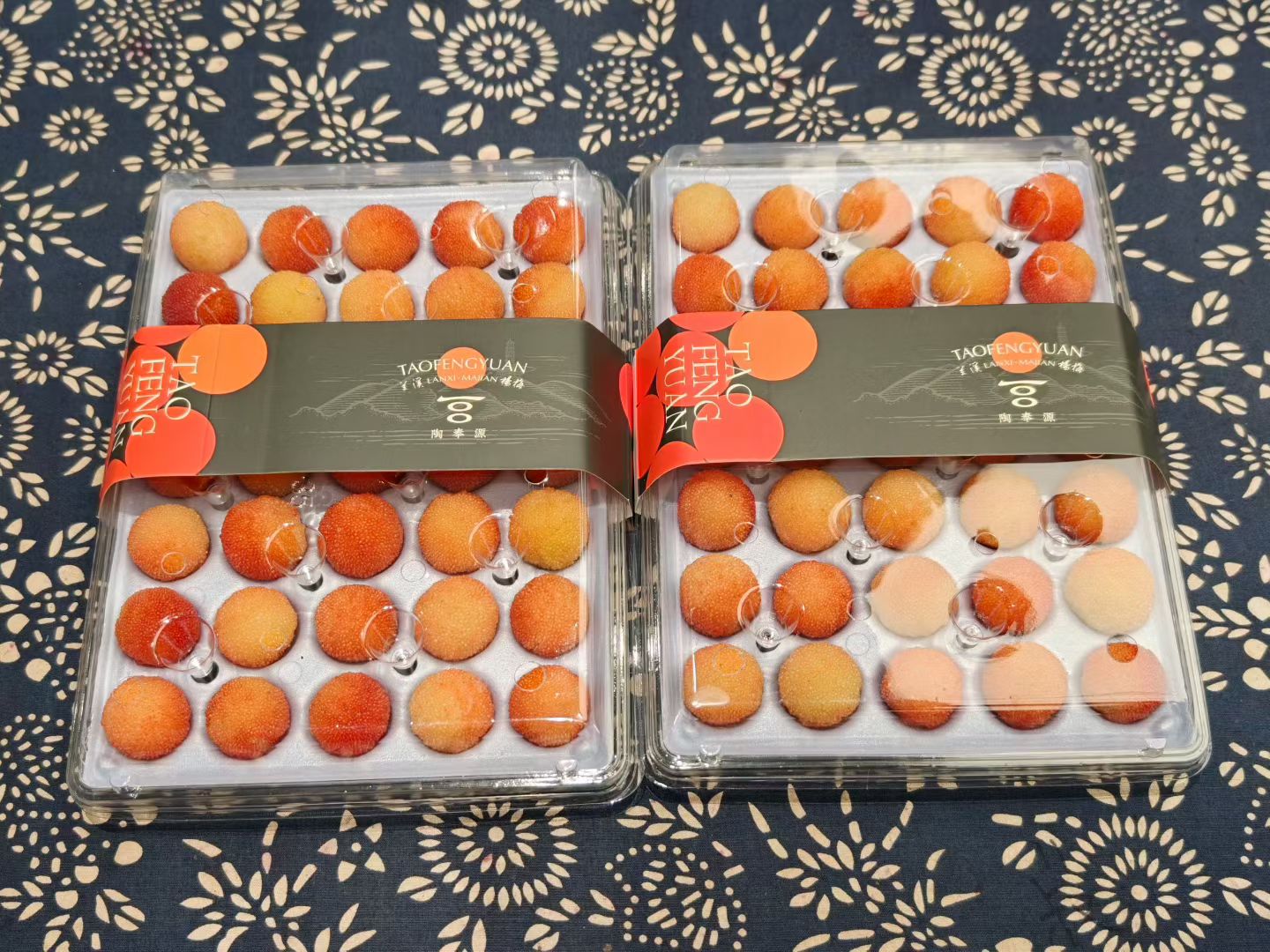
Scroll to see all 3 views →
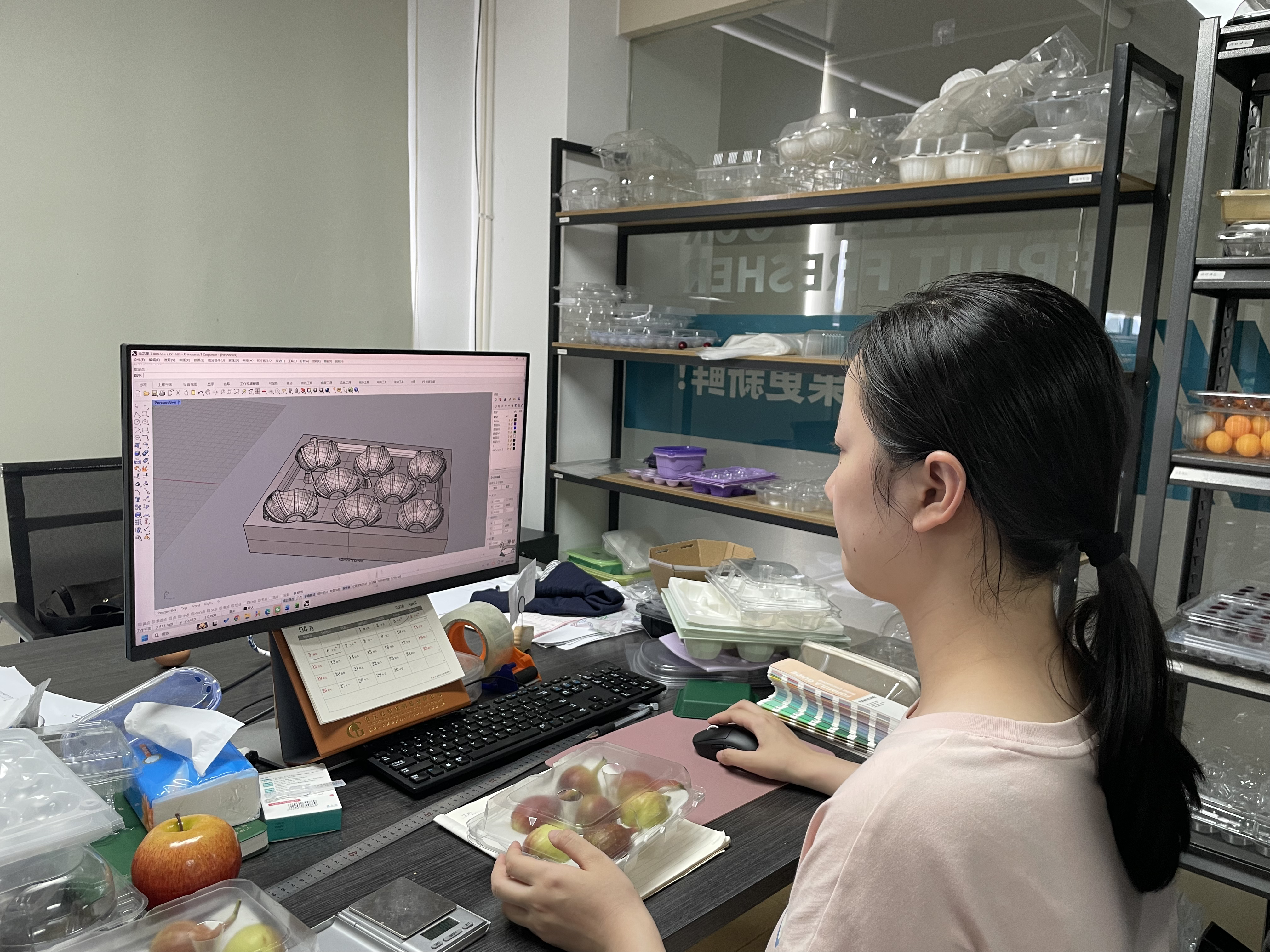
Define
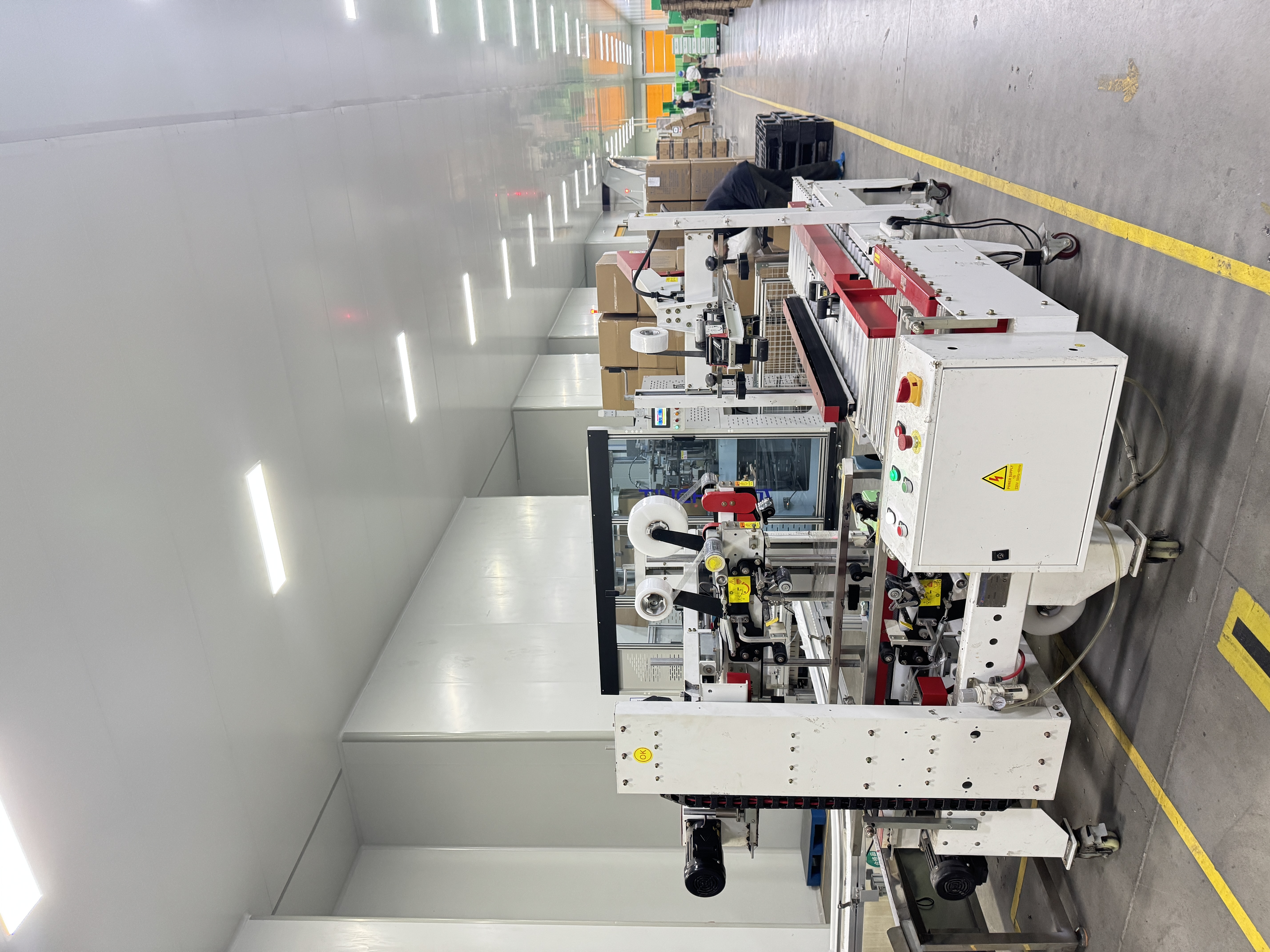
Release
Test
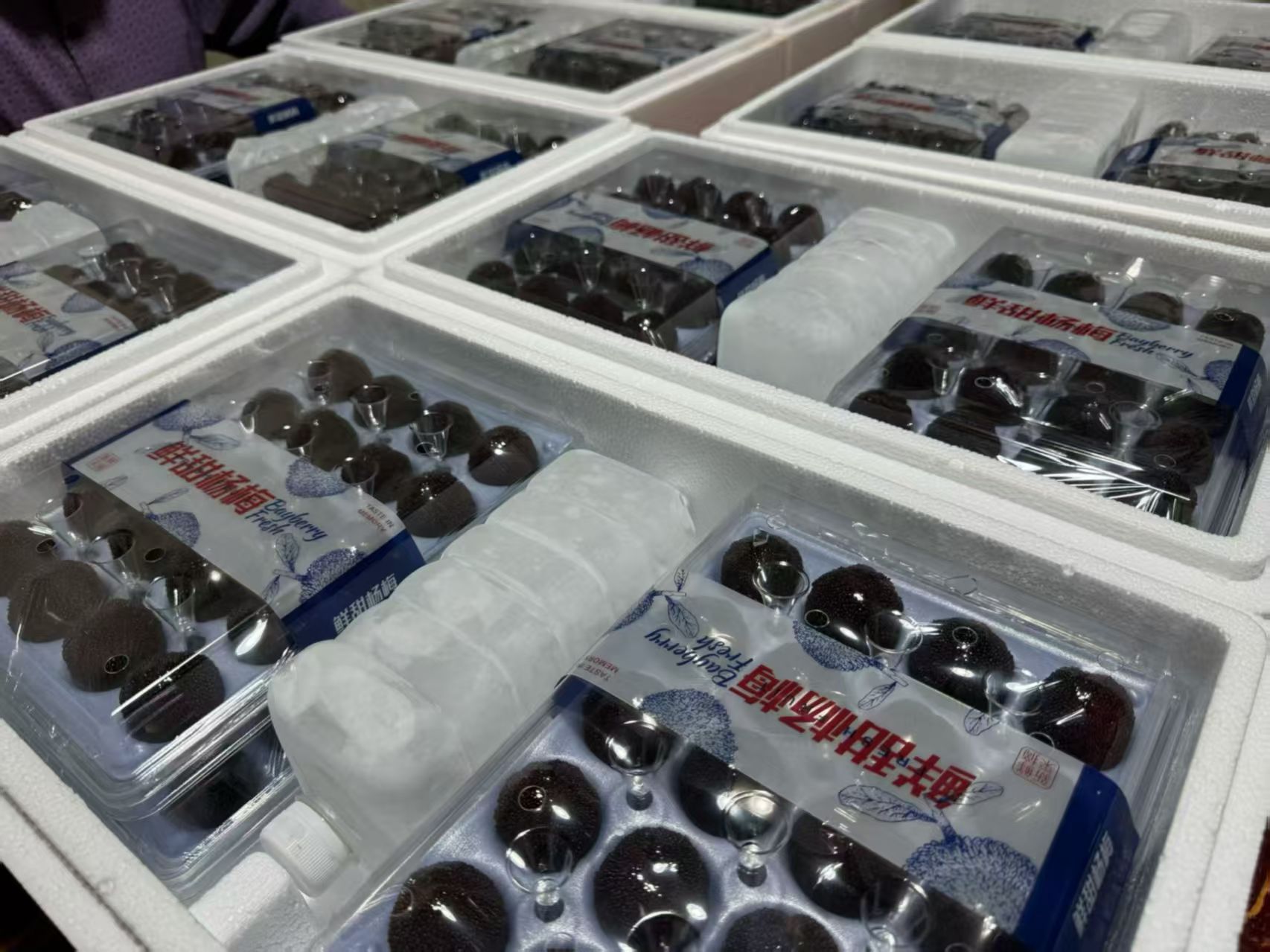
Sample version comparison