
Retail-ready produce packaging.
Make fresh produce easy to see, handle and present, with the pack, label and outer carton considered together.
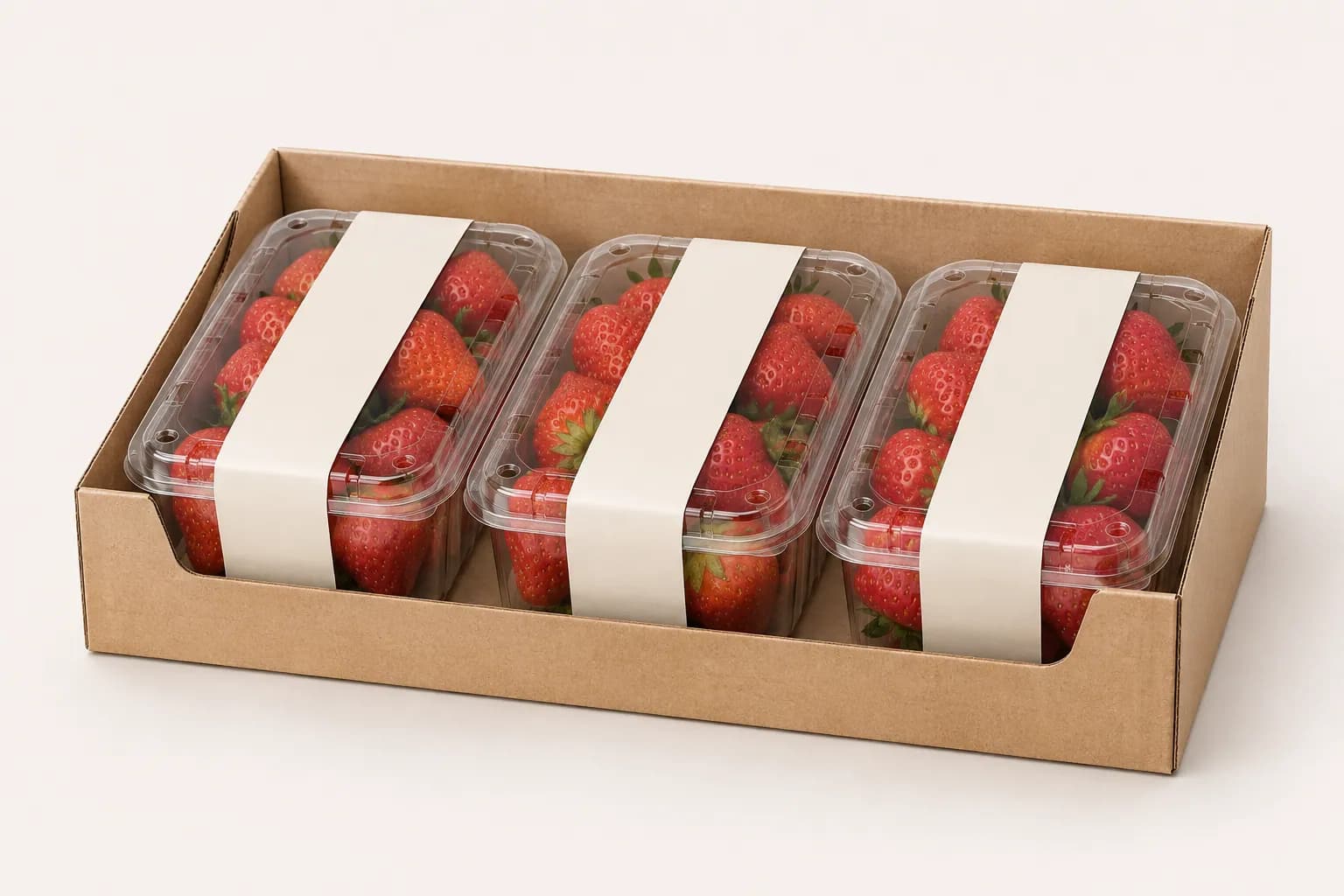
Start with three details.
Tell us the product, selling channel and problem you want to solve. The finer details can follow.
Product
Name the fruit and how you want it packed. A rough count or size range is enough to start.
Selling channel
Tell us where the pack will be sold and how it reaches the shelf.
Current problem
Describe what is difficult at receiving or on display, such as pack removal, an obscured label or opening access.
Add label and handling details when available
- Label
- Share the information that must remain readable and any existing label or sleeve reference.
- Opening
- Describe how the shopper picks up and opens the pack. Note anything that gets in the way.
- Receiving and replenishment
- Explain whether packs arrive loose in a carton or in a display tray, and how staff move them onto the shelf.
Review the everyday actions.
Check filling, transport, display, carrying and first opening.
- 1
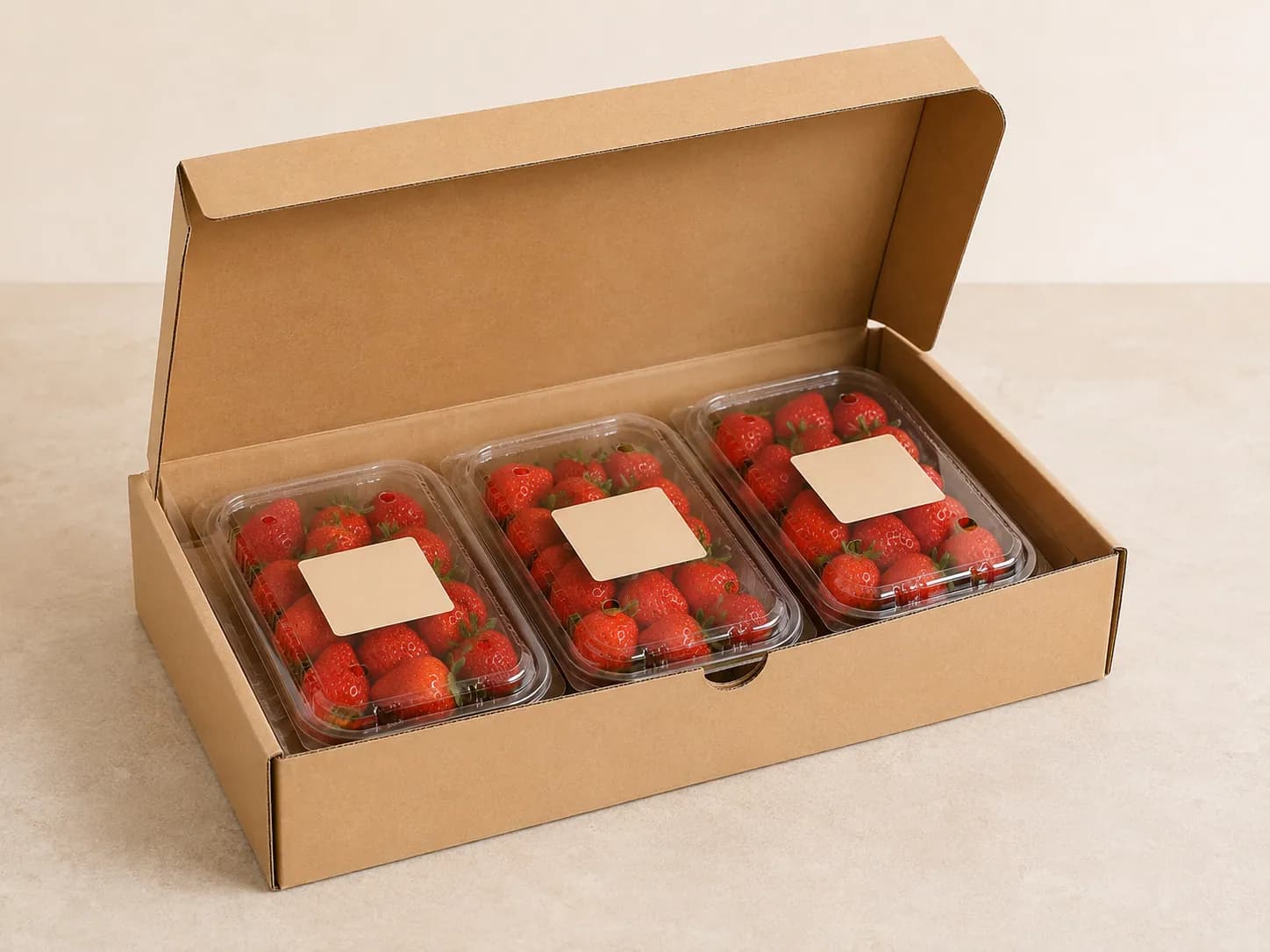
AI packaging illustration Receive
Look at the arriving carton and the way packs are taken out.
- 2
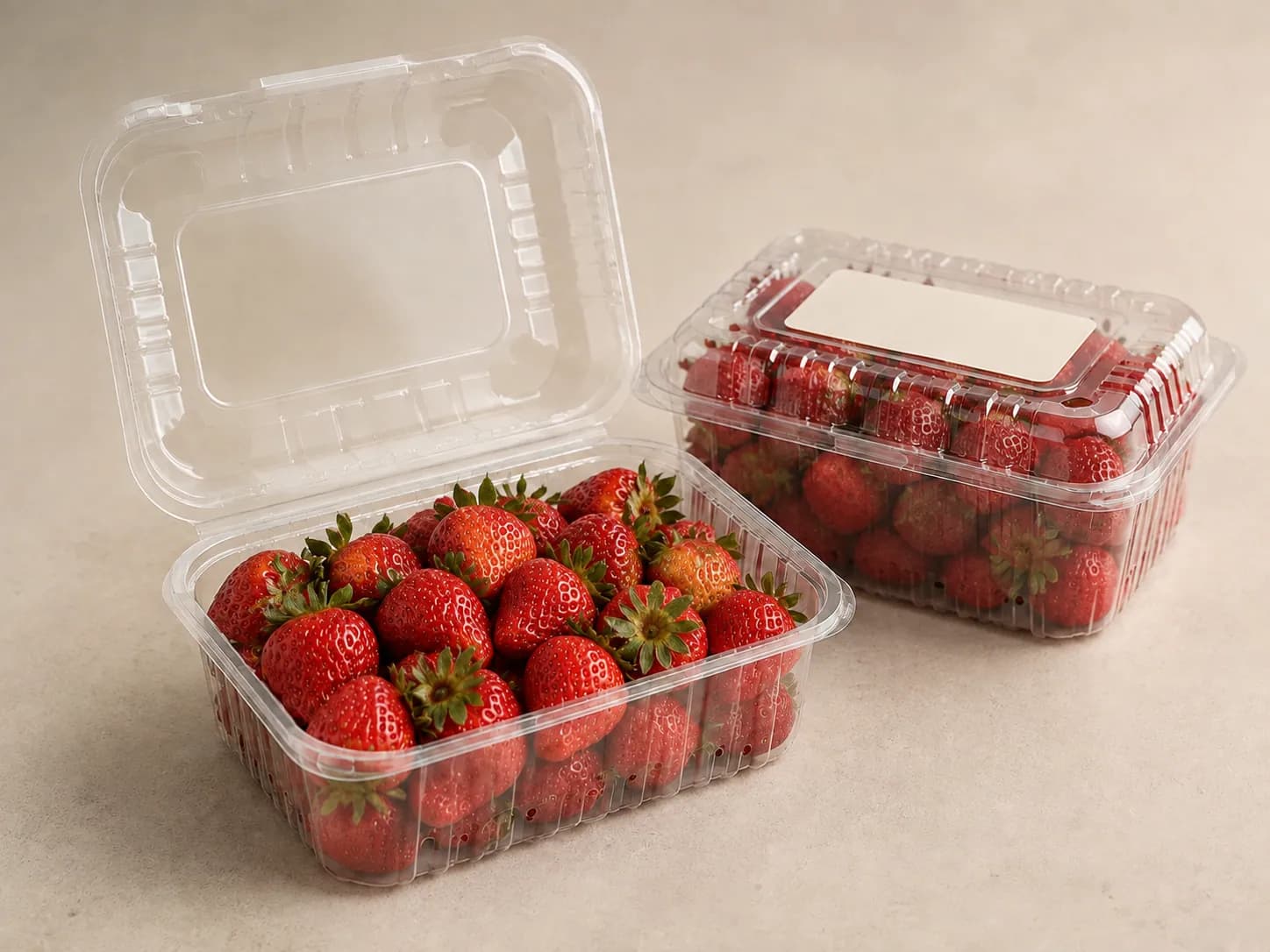
AI packaging illustration Fill & close
Check fruit position, closure and the label area with the intended fill.
- 3
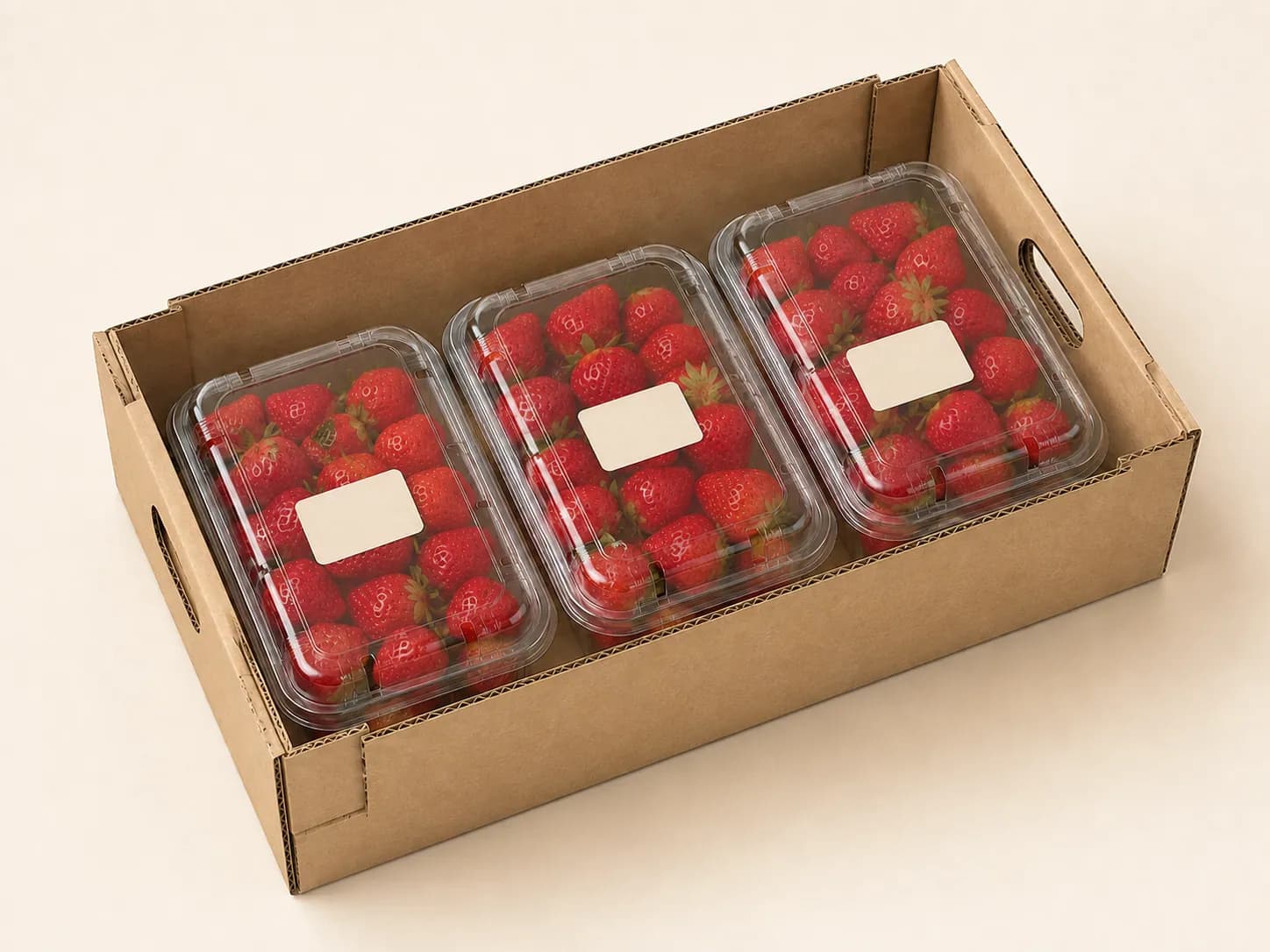
AI packaging illustration Pack & move
Review count, orientation and handling of the outer carton.
- 4
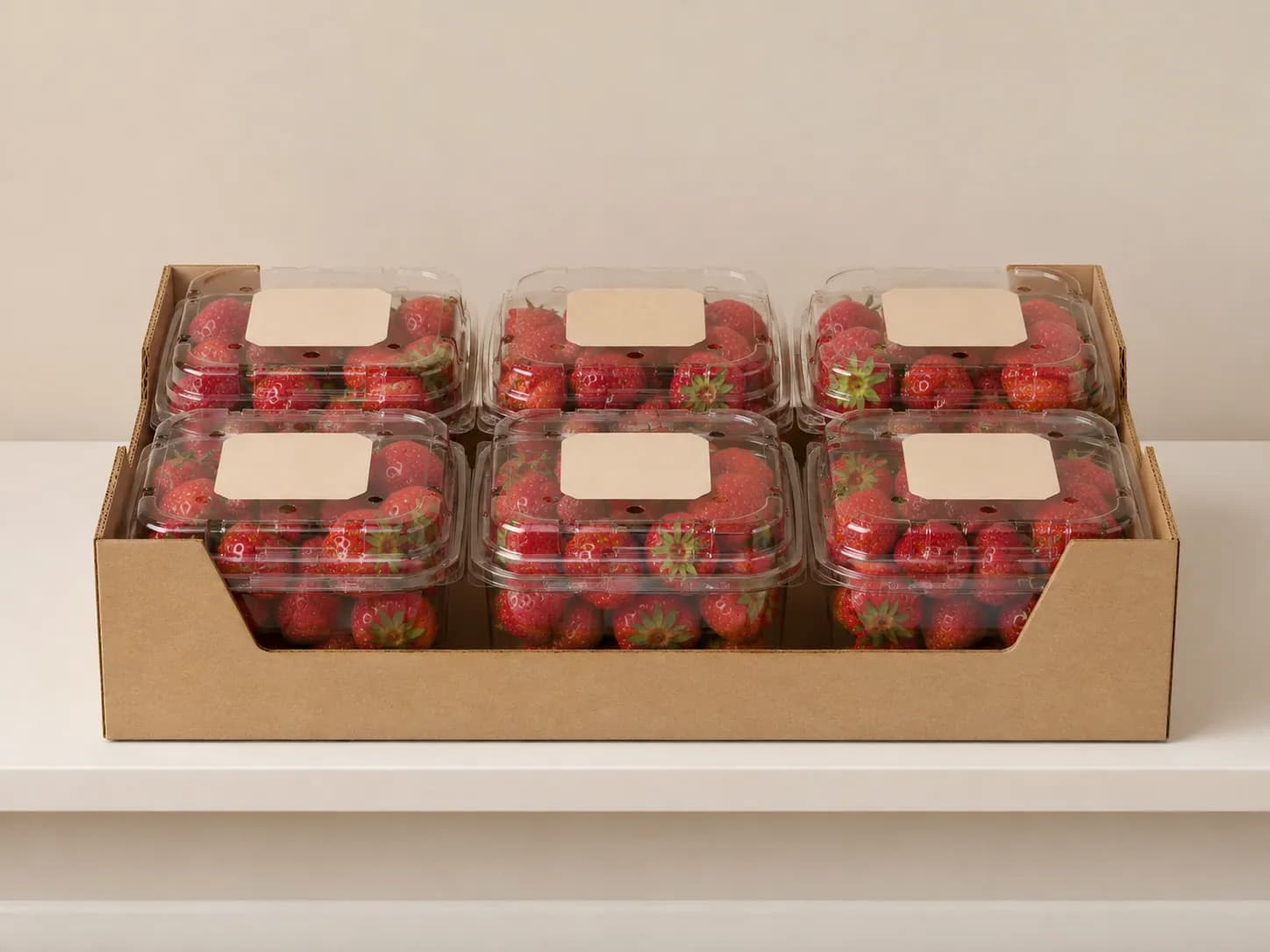
AI packaging illustration Display
Check visibility and stability in the intended shelf position.
- 5
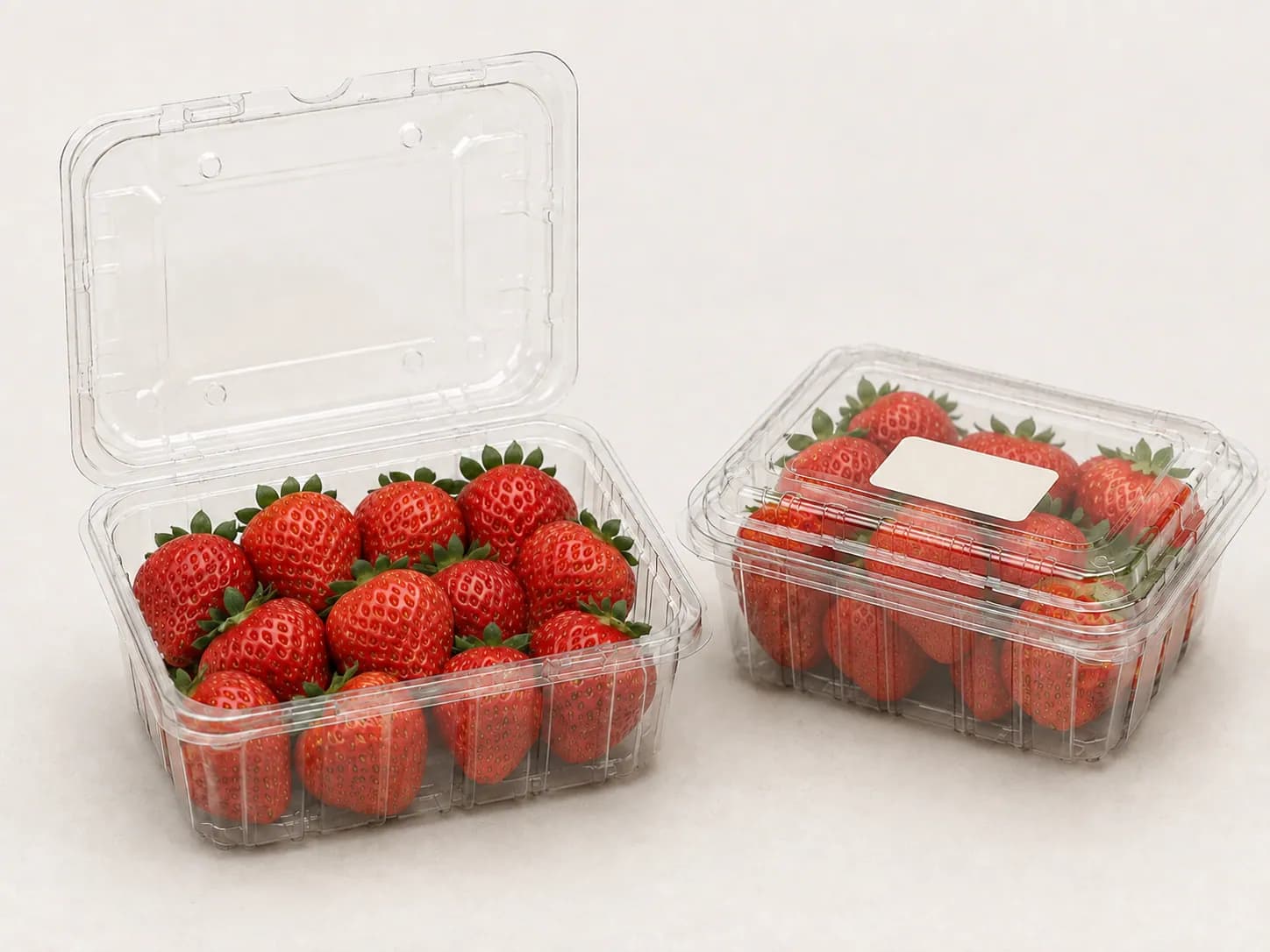
AI packaging illustration Pick up & open
Review carrying, opening access and the position of the fruit after opening.
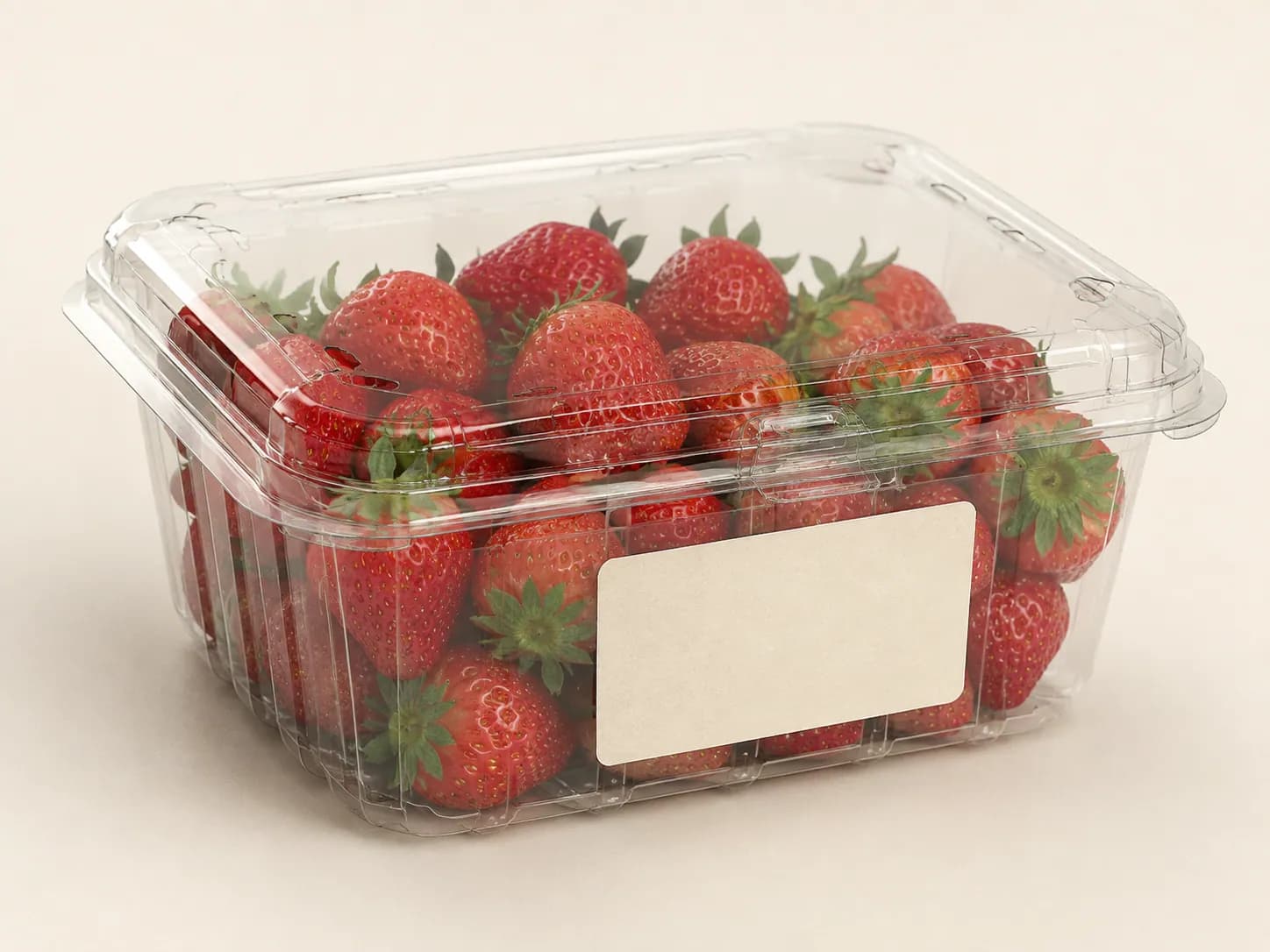
Balance visibility, protection and branding.
Product view
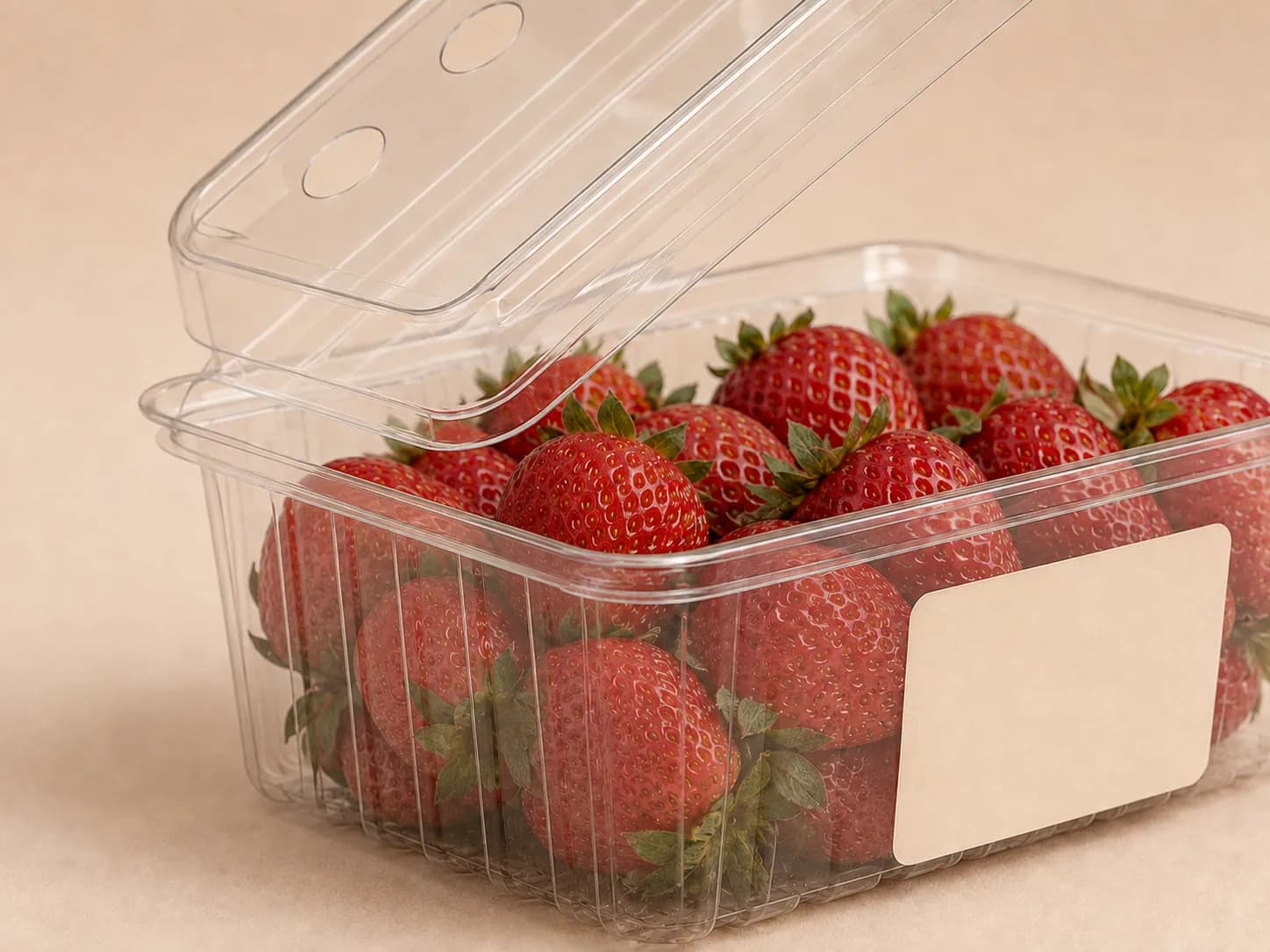
Review which fruit surfaces remain visible from the intended shelf angle.
Fruit support
Check how the fruit sits when the pack is filled, displayed and picked up.
Label placement
Test the label area on a physical pack. Keep important information away from folds and opening points.
Opening access
Check where the user grips and opens the pack with the intended label or sleeve in place.
Explore support and opening details
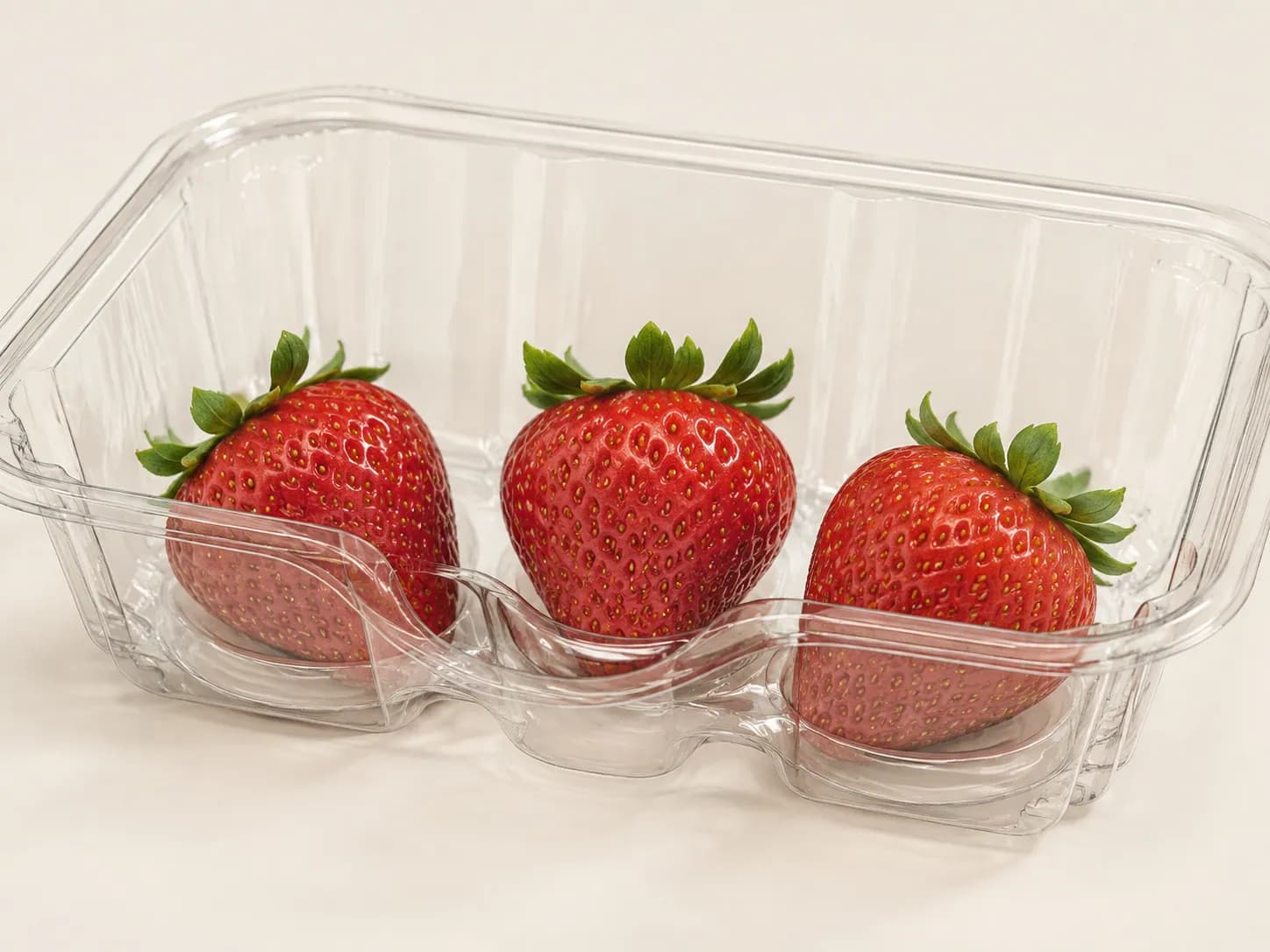
Coordinate the outer pack.
Check how retail packs fit inside cartons and how they are removed or displayed.
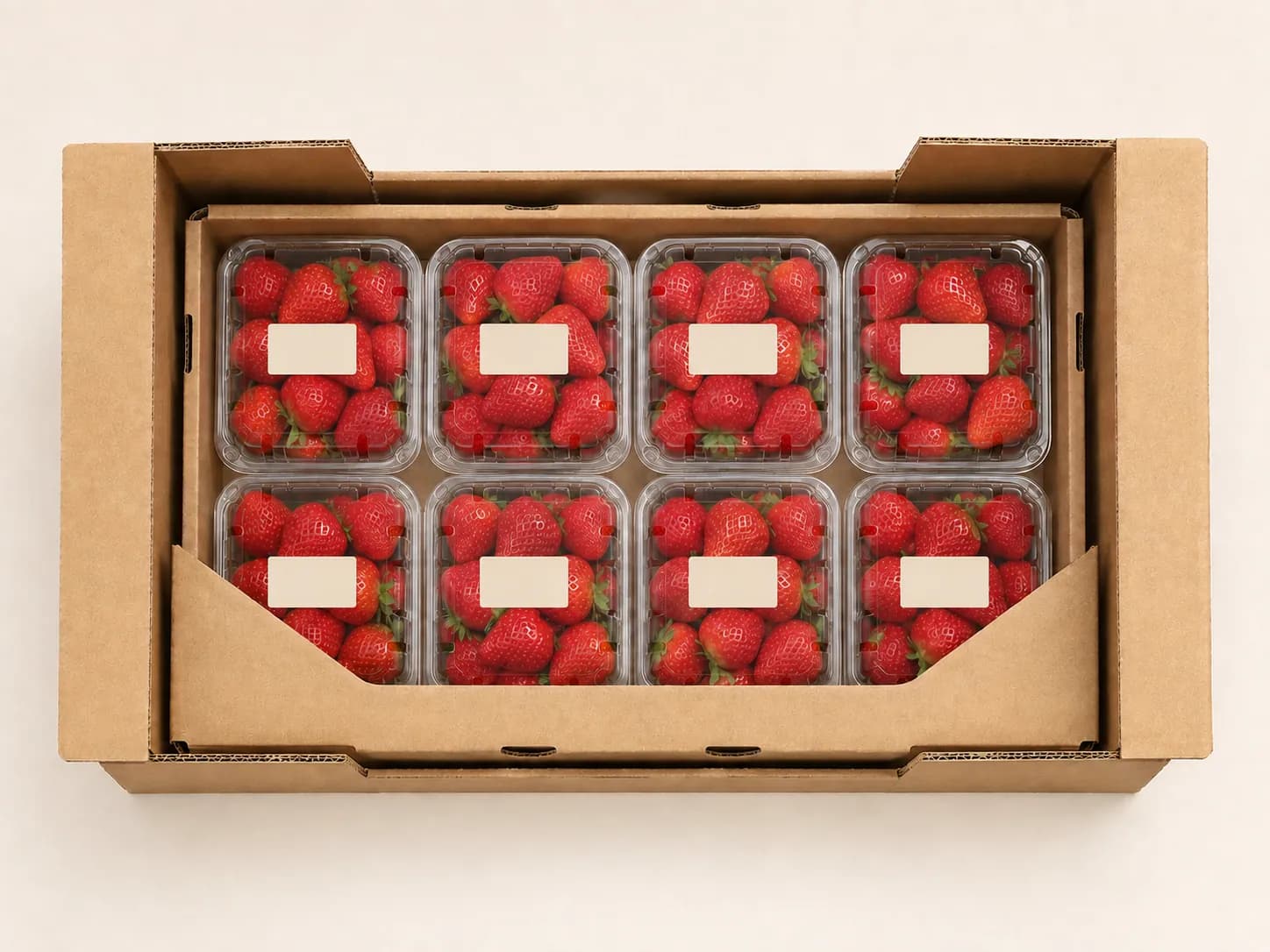
Pack removal
Look at how the first pack and the last pack are removed from the carton.
Display transfer
Identify whether packs move individually to the shelf or remain in a display tray.
Carton fit
Keep the pack orientation, count and clearance together when reviewing the outer carton.
Choose a starting structure.
Compare the reference you have, the part that needs to change and the checks still needed.
Existing reference
- Consider when
- An available pack looks close to your fruit and display needs.
- What changes
- Begin with its current structure; discuss fill, label or sleeve placement.
- Check on the sample
- Fruit support, closure, visible information and shelf position. A close shape does not establish fit.
Adapt a format
- Consider when
- A useful starting structure has a specific fit or handling problem.
- What changes
- Identify the dimension, support or opening feature to review. Tooling may also need to change.
- Check on the sample
- The changed feature together with closure, label position and the outer carton.
New tooling
- Consider when
- The required fruit arrangement or pack structure has no suitable starting reference.
- What changes
- Develop the structure around the fruit, handling and display requirements.
- Check on the sample
- Filled samples through receiving, display and opening before agreeing the final pack.